Feature · AI processing
4 hours per COA, down to under 2 minutes.
AI reads every page of your lab PDFs, fills in the details, checks them against your labels and flags anything uncertain. You review, approve and publish.
30-day free trial · No credit card required
Where the time goes
Why COAs eat a compliance team's week
The average brand spends about 4 hours on each COA. At $25/hour that's $100 of labor per certificate. COA Comply saves about $98.67 per COA, after fees.
Manual
4 hoursRead the PDF, rename files, type data into spreadsheets, merge cover pages and retailer lists, make a QR code, upload to the website.
COA Comply
< 2 minUpload, glance at the highlighted fields, click Approve. Everything else happens automatically.
Review queue
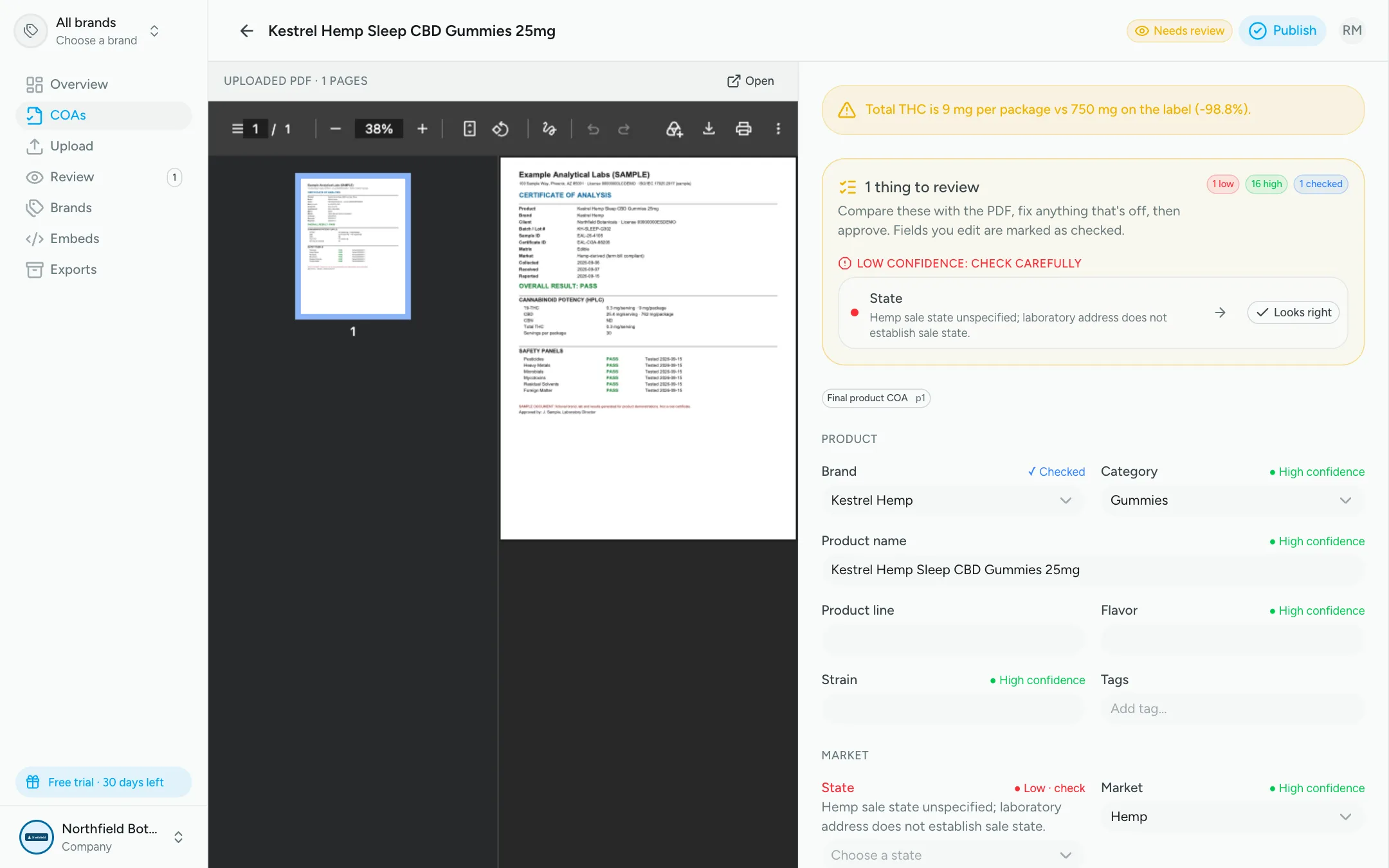
Side-by-side review, with the uncertain parts flagged
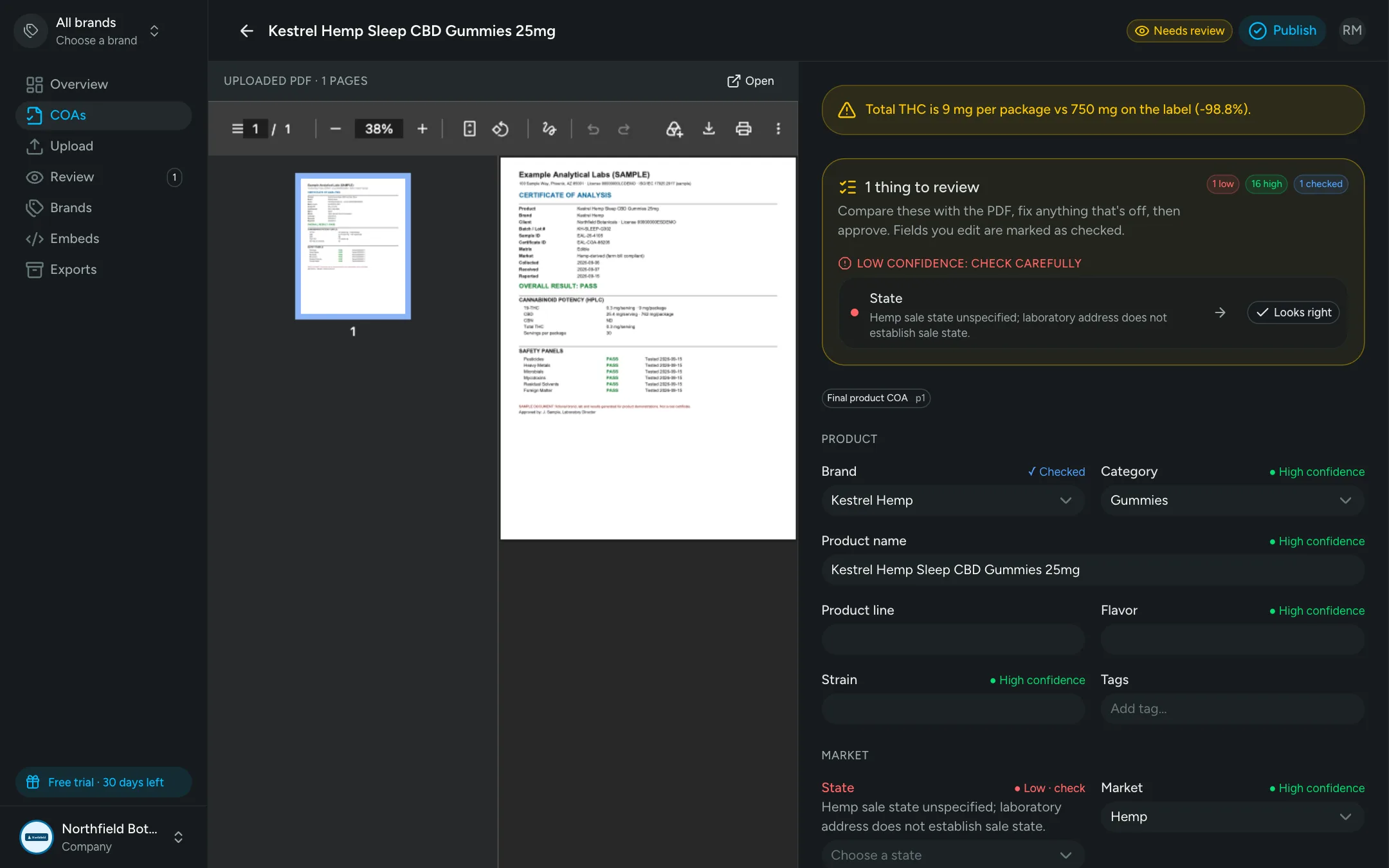
The lab PDF sits next to everything the AI found. Low-confidence fields are flagged with the AI's reasoning, and label-vs-lab potency gaps are called out before anything is published.
- Confidence on every field
- Reasons you can check
- Approve and publish in one click
Bulk upload
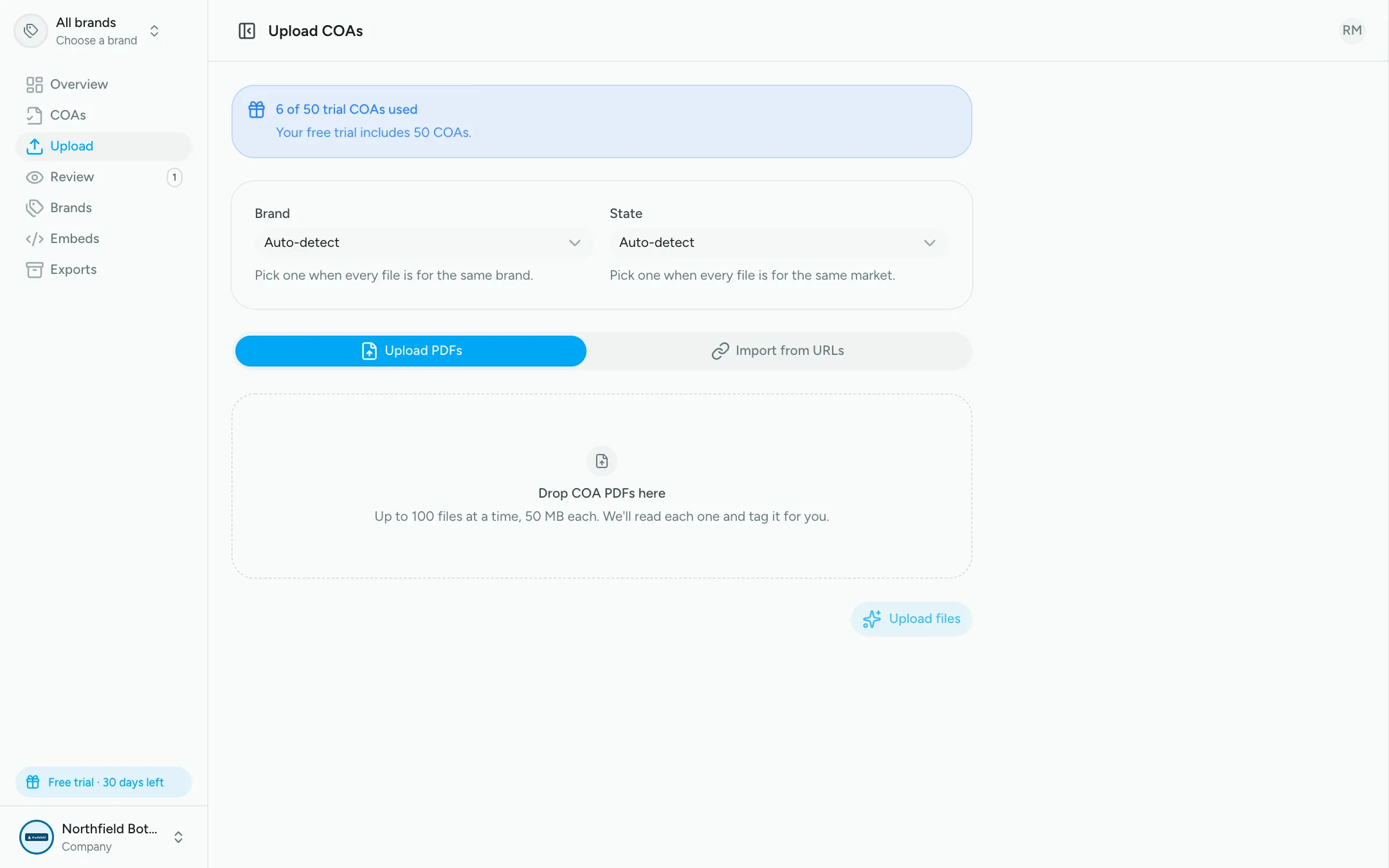
Drop in a folder, or paste lab links
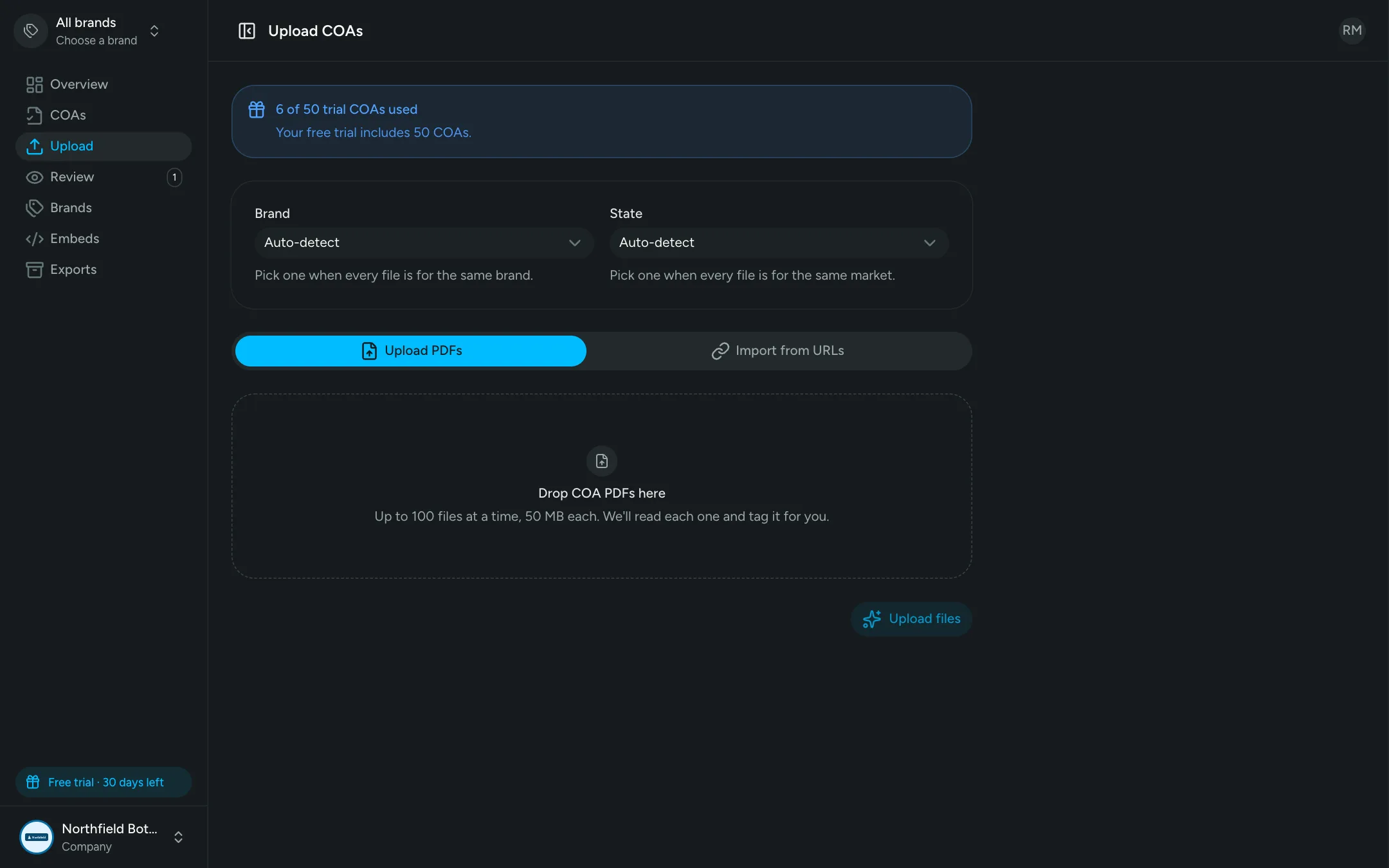
Upload up to 100 PDFs at once, or import them by URL. Pick a brand and state for the whole batch, or let AI detect them file by file.
What the AI does
Accurate extraction with a human in the loop
Reads scans too
Vision AI reads page images, so scanned COAs, photos and odd lab layouts are handled like digital ones.
Understands composite PDFs
Each page is classified, so the right COA is used even when a PDF contains input-material COAs, chain of custody and raw data.
Dozens of fields extracted
Product, flavor, strain, batch and lot, METRC IDs, lab and licenses, every date, serving sizes, potency by analyte and each test panel result.
Confidence on every field
Low-confidence values are highlighted in amber in the review form, so you check the few things that need it.
Built-in sanity checks
Label-vs-actual potency mismatches, missing required fields and brand or state conflicts are flagged before publishing.
Duplicate detection
Re-downloaded or re-uploaded PDFs are recognized and linked to the existing COA instead of creating duplicates.
Bulk upload
Drop in a folder of PDFs or a list of lab URLs. Set a brand and state for the whole batch, or let AI detect them per file.
Amendments made easy
Replace a PDF with the lab's amended version. It's re-read automatically and the QR code stays the same.
Teachable instructions
Add notes about your products and batch formats, test them on a real COA, and keep a version history.
FAQ
Frequently asked questions
COA Comply looks at each page of the PDF like a person would, including scanned pages with no text layer. It classifies every page (cover sheet, final product COA, chain of custody, retailer list, raw data) and extracts fields only from the final product COA.
Not unless you want it to be. By default every COA goes to a review queue with the PDF beside a pre-filled form and low-confidence fields highlighted. Brands can turn on auto-publish for COAs where every required field is high-confidence.
No. Lab-stated totals are stored exactly as the lab reported them. COA Comply does flag mismatches, such as a product labeled 100mg that tested at 107mg, so you can catch them before publishing.
Yes. Add company notes and override any part of the AI instructions, then test the change on an existing COA and compare the results before saving.
See your COAs processed in minutes
Upload a few of your real lab PDFs during the free trial and watch them go from PDF to published.
30-day free trial · No credit card required